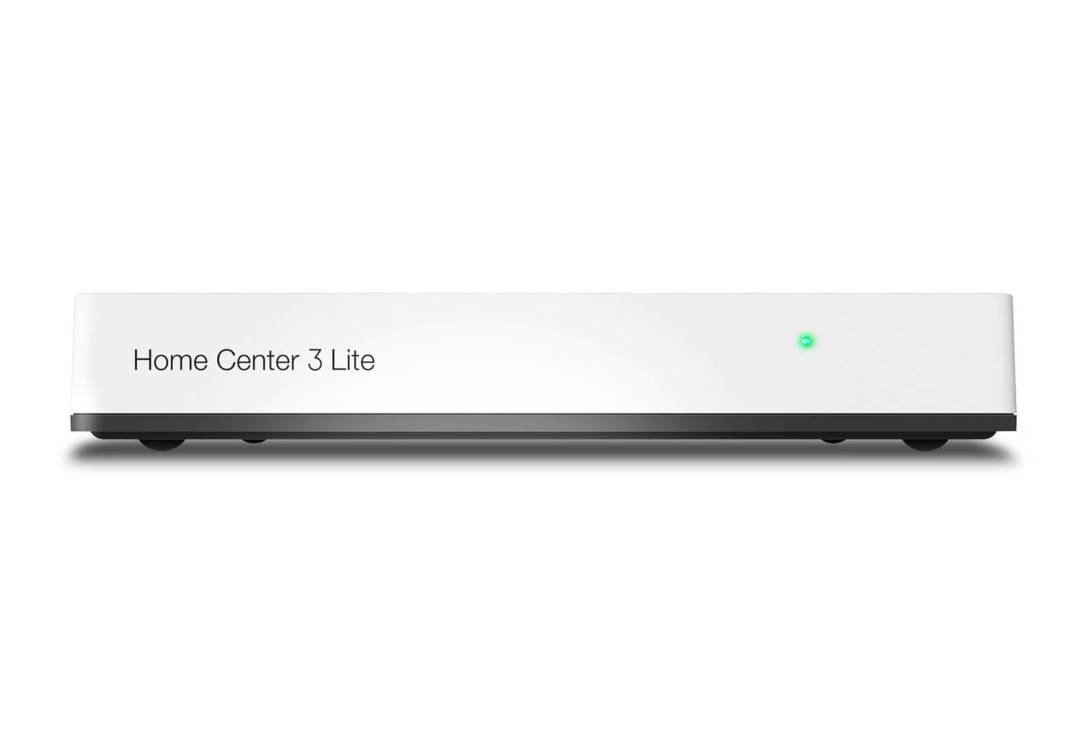
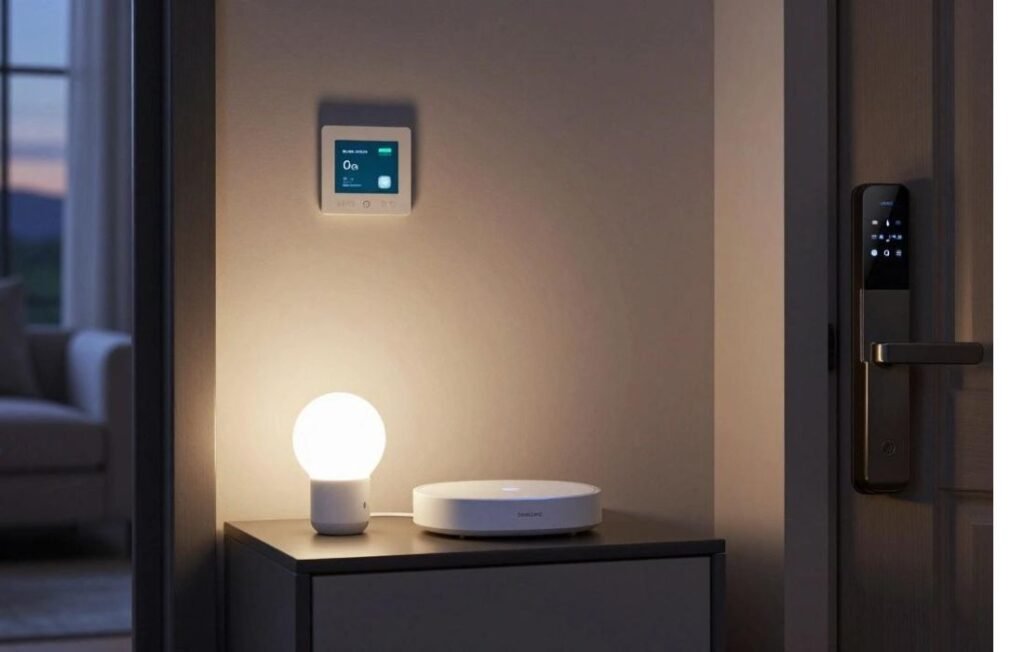
Imagine walking into your living room and having the lights turn on by themselves, the temperature already set to your liking and your front door locked without you lifting a finger. That is not science fiction anymore it is exactly what a smart home hub can do for you. And if you are looking for an affordable, beginner friendly entry point into home automation, the Home Center Lite is one of the most talked about options on the market today.
In this article, we will break down what Home Center Lite actually is, how it works, why people love it and whether it is the right fit for your home. No technical jargon, no confusing setup talk just plain, honest information to help you decide.
What Is Home Center Lite?
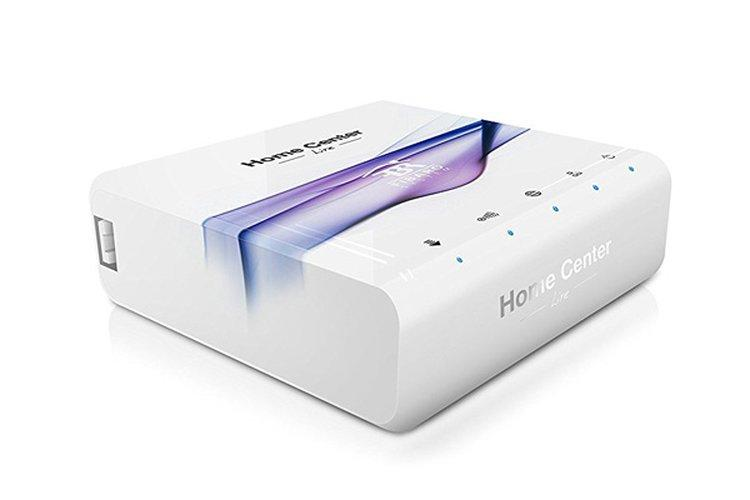
Home Center Lite is a compact smart home controller made by FIBARO, a well known name in the home automation industry. Think of it as the “brain” of your smart house. It connects to various Z-Wave compatible devices like smart bulbs, door sensors, thermostate and plugs and lets you control them all from a single app on your phone or tablet.
Unlike bulkier, more expensive smart home systems, Home Center Lite was designed with simplicity in mind. It is smaller, easier to set up and does not require a degree in electrical engineering to use. For everyday homeowners who just want convenience without complexity, this device hits a sweet spot.
Why It is Called “Lite”
The name is not just marketing. Home Center Lite is a scaled down version of FIBARO’s more advanced Home Center 3 system. It offers fewer bells and whistles but it covers the essentials that most households actually need:
- Controlling lights and plugs remotely
- Setting up automation schedules (like turning off lights at midnight)
- Monitoring door and window sensors
- Managing basic security devices
- Creating simple “scenes” (e.g., a “Movie Night” mode that dims the lights)
If you are not trying to automate an entire mansion with a hundred devices, the Lite version is often more than enough.
How Does Home Center Lite Work?
At its core, Home Center Lite acts as a translator between your smart devices and your smartphone. Here is a simplified breakdown of the process:
- You install the hub: It connects to your home Wi-Fi router.
- You pair your smart devices: Sensors, bulbs, plugs and other Z-Wave gadgets link up with the hub.
- You control everything through an app: From anywhere in the world, as long as you have internet access.
- You set automation rules: So your home reacts to triggers without you doing anything manually.
For example, let’s say you install a door sensor and a smart light bulb. You can program Home Center Lite so that whenever the door opens after sunset, the hallway light turns on automatically. That is the kind of everyday convenience this system is built for.
Real World Example: A Family in a Two Bedroom Apartment
Picture a young couple living in a two bedroom apartment. They both work long hours and often forget to turn off appliances before leaving home. After installing Home Center Lite along with a few smart plugs, they set up a rule: every day at 9 AM, if their phones (via GPS) have left the house, all non essential plugs switch off automatically. This small change saved them noticeable money on their electricity bill within just a few months, a practical benefit that many smart home apps promise but few deliver as smoothly as this one does.
Key Features of Home Center Lite
While it’s a “lite” version of a bigger system, do not underestimate what this little device can do. Some standout features include:
- Z-Wave compatibility: Works with hundreds of Z-Wave certified devices from different brands, so you are not locked into one manufacturer.
- Mobile app control: Manage your entire smart home setup remotely, whether you are at work or on vacation.
- Scene creation: Set custom modes like “Good Morning,” “Away” or “Movie Night” that trigger multiple devices at once.
- Energy monitoring: Some compatible plugs and sensors let you track how much energy your appliances are consuming.
- Basic security integration: Pair it with motion sensors and door/window contacts for simple home monitoring.
- User friendly interface: Designed for people who are not tech experts.
If you enjoy exploring smart electronics beyond home automation, you might also like our review of the Ashly MX-508, a popular audio mixing device.
Why People Choose Home Center Lite Over Other Systems
There are dozens of smart home hubs out there so why does Home Center Lite stand out for so many households? Here are a few honest reasons:
It is Budget Friendly
Compared to premium home automation systems that can cost hundreds of dollars more, Home Center Lite offers a more affordable entry point. You get core smart home functionality without paying for advanced features you might never use.
Easy Setup Process
Many users report that they were able to get their system up and running within an hour, even without prior experience in home automation. The app walks you through pairing devices step by step.
Compatibility With Multiple Brands
Because it relies on the Z-Wave protocol, Home Center Lite is not limited to one company’s products. You can mix and match sensors, bulbs and plugs from different manufacturers, as long as they are Z-Wave certified.
Reliable Local Control
Some smart home systems rely heavily on cloud servers, meaning if your internet goes down, your entire smart home stops working. Home Center Lite can still handle many automations locally, which adds a layer of reliability. If you’re also interested in reliable tech infrastructure for other projects, our guide on VPSRUS hosting is worth a look.
For those who like combining smart home setups with quality audio gear, check out our detailed breakdown of the Behringer Xenyx 1202FX mixer.
Setting Up Home Center Lite: A Simple Walkthrough
If you are wondering how complicated the setup process really is, here is a general idea of what to expect:
- Step 1: Unbox the hub and connect it to your router using an Ethernet cable.
- Step 2: Download the companion app on your smartphone.
- Step 3: Create an account and register your device using the ID printed on the hub.
- Step 4: Add your smart devices one by one the app will guide you through pairing mode for each.
- Step 5: Create your first automation rule or scene to test everything is working.
While Home Center Lite doesn’t require heavy tools for installation, having a reliable screwdriver like the DEWALT ToughSeries SQ2 on hand can help if you’re mounting sensors or wall-fixed devices.
Most users find that once the hub is registered, adding new devices becomes second nature. You do not need to reinstall anything each time you simply put a new device into pairing mode and let the app detect it.
Common Problems Users Face With Home Center Lite (And How to Fix Them)
Like most smart home devices, Home Center Lite occasionally runs into minor issues. A common one is devices failing to pair with the hub usually fixed by moving the device closer and restarting the pairing process. Some users also see the app showing “offline” status, which is often resolved by restarting the router or updating the app.
Another issue is automations not triggering at the right time, usually caused by incorrect time zone settings or outdated firmware both easy to correct from the app. Firmware updates themselves can sometimes get stuck, which is typically fixed with a stable internet connection or if needed, a factory reset.
In larger homes, devices placed far from the hub may lose connection due to weak Z-Wave signal range. Adding a range extender or placing devices closer together usually solves this. A slow responding app is another minor annoyance, often fixed by clearing the cache or reinstalling the app.
Rarely, users face hardware issues like the hub repeatedly restarting. This is often linked to a faulty power adapter and if the problem continues, contacting FIBARO support for a warranty claim is the best option.
Most of these issues are quick fixes. If something persists, reaching out to FIBARO’s support team or your retailer is the safest next step.
Common Use Cases for Home Center Lite
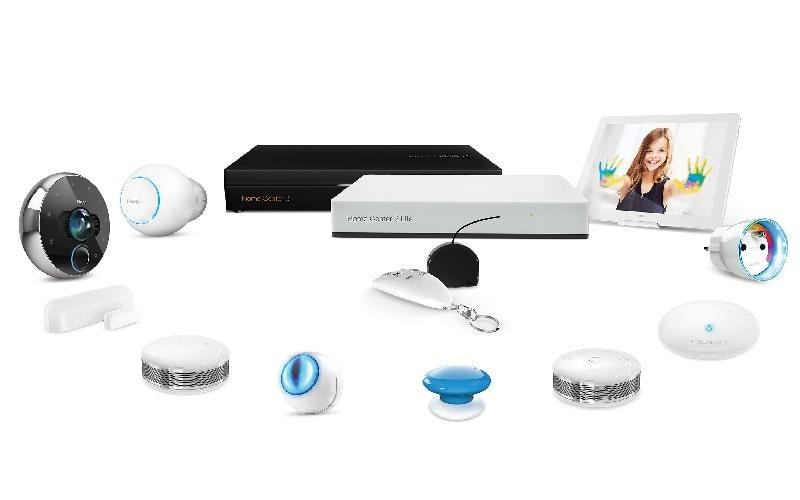
To help you visualize how this fits into daily life, here are some popular real world applications:
- Energy savings: Automatically turning off lights and appliances when no one is home.
- Convenience: Setting the coffee maker to turn on right when your alarm goes off.
- Security peace of mind: Getting a phone notification if a door or window opens while you are away.
- Aging in place support: Helping elderly family members by automating lights and reducing the need to reach switches.
- Rental property management: Landlords using it to remotely monitor vacant units or control heating between tenants.
A small business owner running a home based studio, for instance, might use Home Center Lite to schedule lights and heating only during working hours, cutting down on unnecessary energy use during closed hours.
Things to Consider Before Buying
No product is perfect for everyone, so here are a few honest considerations:
- Limited advanced features: If you want deep customization or plan to build a massive smart home network with dozens of complex automations, you might eventually outgrow the Lite version.
- Z-Wave devices only: It does not support other popular protocols like Zigbee or Wi-Fi, only smart devices out of the box, so check compatibility before buying accessories.
- Occasional firmware updates needed: Like most smart hubs, it requires periodic updates to stay secure and functional.
Despite these minor limitations, most casual and moderate smart home users find that Home Center Lite covers their needs comfortably.
Is Home Center Lite Worth It?
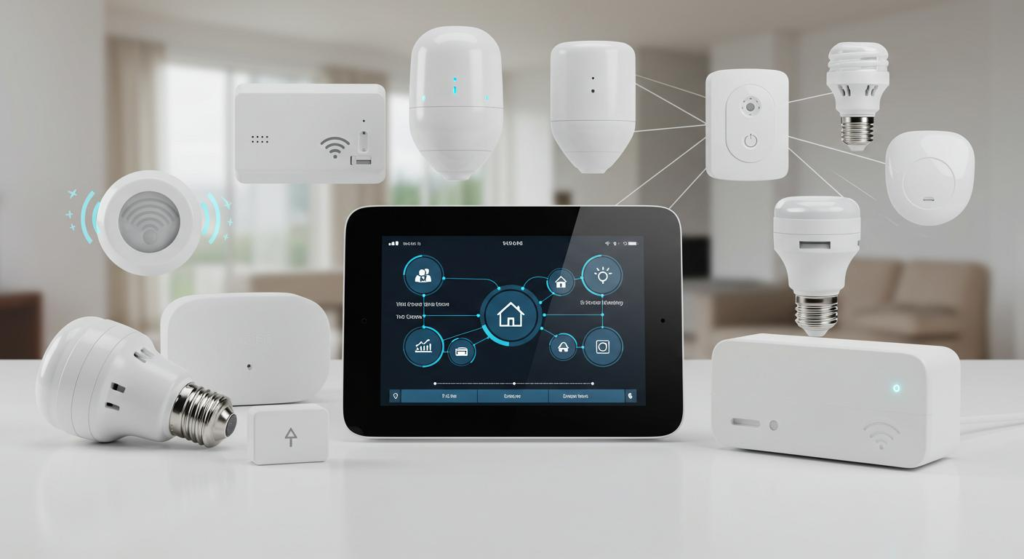
If you are new to home automation and do not want to overwhelm yourself with a complicated, expensive system, Home Center Lite is a solid starting point. It strikes a practical balance between affordability, ease of use and functionality.
On the other hand, if you are a tech enthusiast planning to automate every corner of a large home with dozens of interconnected devices, you may eventually want to upgrade to a more advanced hub. But for the average household looking to dip their toes into smart living, this device delivers real, tangible value.
Conclusion
Smart homes are no longer a luxury reserved for tech geeks, they are becoming a normal part of everyday living. Home Center Lite makes that transition simple, affordable and stress free. Whether you want to save on energy bills, add a layer of security or just enjoy the convenience of controlling your home from your phone, this compact hub gives you a reliable foundation to build on.
It won’t do everything a top tier automation system can but for most people, it does everything they actually need. And sometimes, that is exactly the point of good technology solving real problems without unnecessary complexity.
If you are considering stepping into the world of home automation, Home Center Lite is a smart, sensible place to begin.
Frequently Asked Questions
What is Home Center Lite used for?
Home Center Lite is used to control and automate smart home devices such as lights, plugs, sensors and thermostats, all from a single mobile app.
Does Home Center Lite require the internet to work?
While an internet connection is needed for remote access and setup, many automations can still run locally even if your internet connection temporarily drops.
What devices are compatible with Home Center Lite?
It works with Z-Wave certified devices, including smart bulbs, plugs, door/window sensors, motion detectors and some thermostats from various manufacturers.
Is Home Center Lite good for beginners?
Yes. It is specifically designed for people new to home automation, with a simple setup process and an intuitive app interface.
Can I control Home Center Lite remotely?
Absolutely. As long as you have an internet connection, you can manage your smart home devices from anywhere using the companion app.
How long does it take to set up Home Center Lite?
Most users complete the basic setup within 30 minutes to an hour, though adding multiple devices may take a bit longer.
Is Home Center Lite better than Home Center 3?
Home Center 3 offers more advanced features and greater device capacity, making it better for larger or more complex smart homes. Home Center Lite is ideal for smaller setups or first time users.
Does Home Center Lite support voice assistants?
Depending on the app version and integrations available, some users are able to connect it with popular voice assistants for hands free control, though native support can vary.
Is Home Center Lite worth the investment?
For anyone wanting a simple, affordable and reliable introduction to smart home living, Home Center Lite offers strong value without unnecessary complexity.